Start with the work between departments
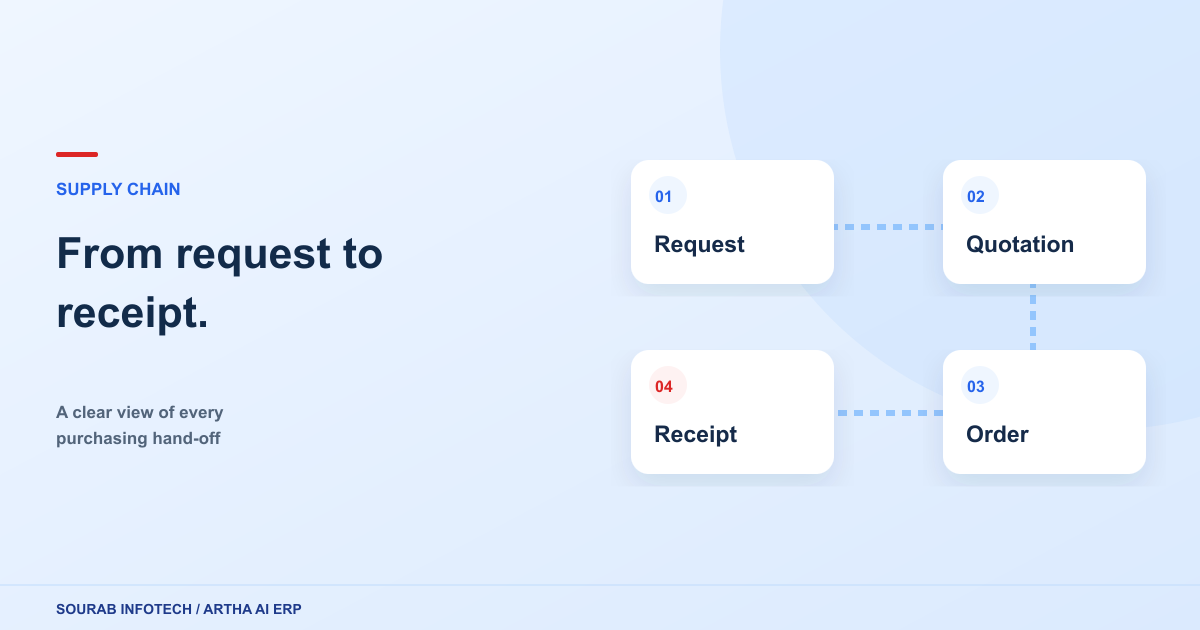
A purchase rarely belongs to just one team. Someone requests an item, another person reviews the supplier, a warehouse records the receipt, and finance handles the invoice. When each team keeps its own spreadsheet, a simple status question can become a chain of calls and messages.
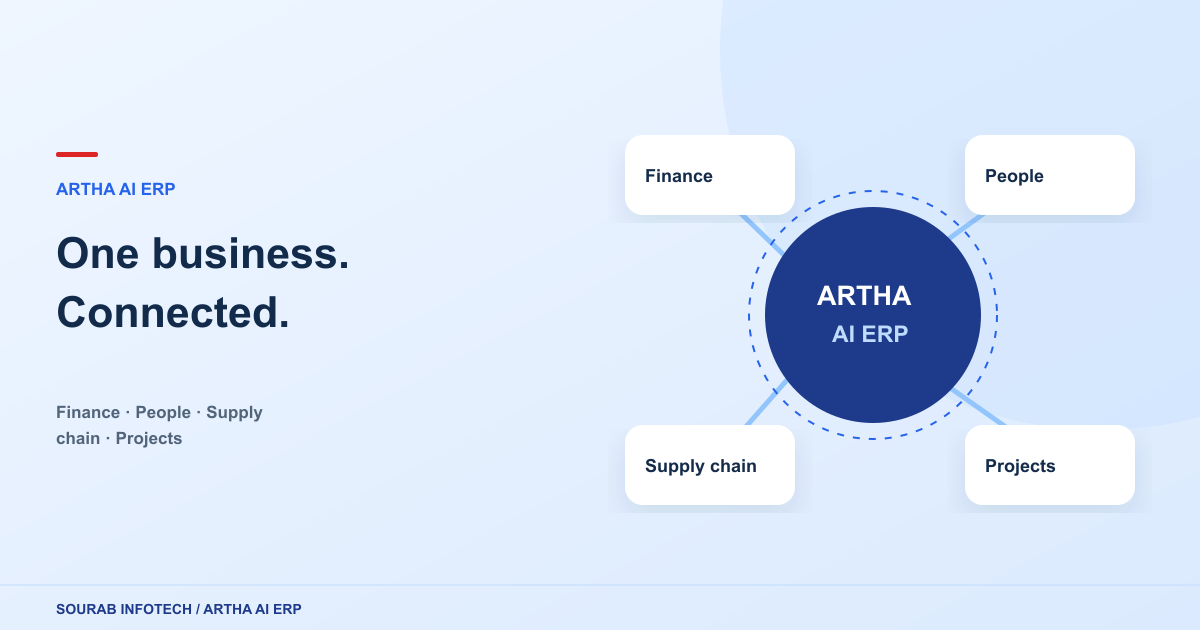
Artha AI ERP brings these activities into connected workspaces. Its modules cover finance and accounting, supply chain and sales, projects and costing, CRM and campaigns, people and HR, and administration and approvals. The useful starting point is the business process you want to improve, rather than a long list of screens.
Connect the transaction with its context
Consider a purchasing review. Your team needs the request, supplier details, quantities, commercial terms and receipt information. Structured forms make those details easier to capture consistently. Reports and dashboard views then give different teams a way to review their part of the process.
The website’s product explorer groups the application’s forms, reports and dashboards so you can inspect the fields and workflows before a demonstration. Use it to shortlist the areas that match your current operation.
Give each team a useful view
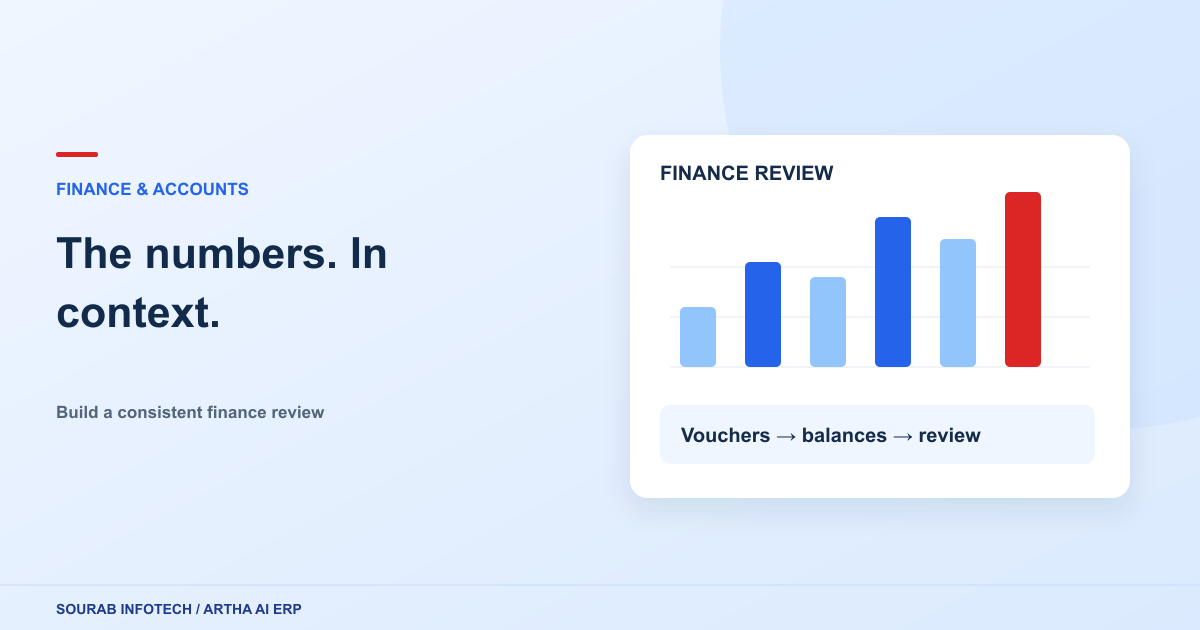
A finance user may start with balances and outstanding amounts. A project lead needs progress, committed costs and resource utilization. The application includes role-focused dashboard views, while roles and approval policies help organize who participates in each workflow. Your implementation should confirm the right permissions and review steps for each team.
Choose one workflow for your first demo
Bring an example of a process that currently causes repeated follow-ups. A focused walkthrough makes it easier to assess how Artha AI ERP fits your business and which configuration choices need attention.
- Name the teams involved and the person responsible for each step.
- List the records, reports and approvals you need.
- Include an exception, such as a partial receipt or returned item.
- Agree what a successful end-to-end walkthrough should demonstrate.