
Sourab Infotech
MEET YUKTHI AI

Your business has questions.
Meet Yukthi.

The AI assist layer of Artha AI ERP. A place to explore your workflows, understand report insights and bring your next business action into focus.

Workflow guidanceReport insightsProject actions
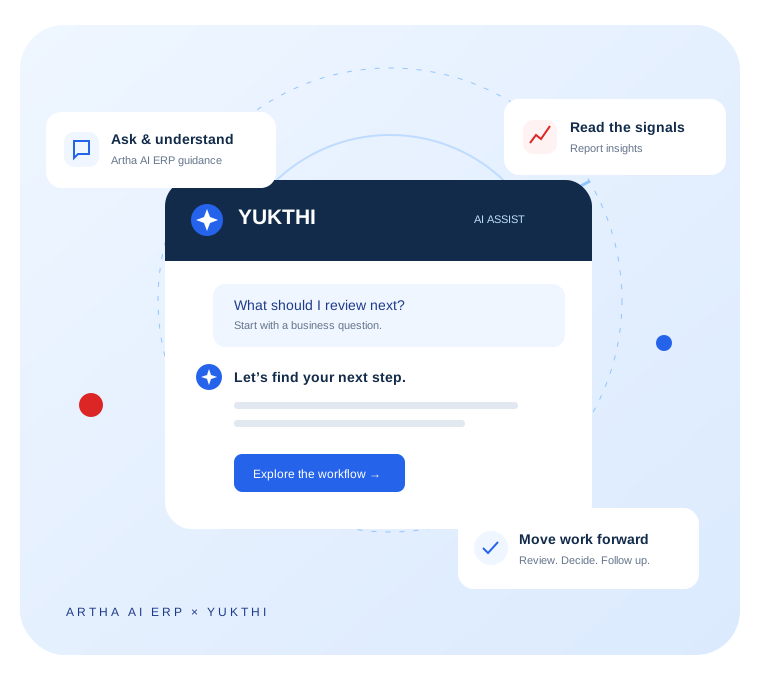
Illustration of Yukthi connecting a question about Artha AI ERP with workflow guidance, report insights and next actions
Yukthi experience illustration
LESS SEARCHING. MORE UNDERSTANDING.

Make everyday work easier with Artha AI ERP.

Yukthi brings guidance and business context closer to the work your team is already doing. Start with a question, understand the relevant information, then take the next step in Artha AI ERP.

01

A simpler way to find your next step

Ask about invoices, purchase orders, stock, accounts or payroll. Yukthi brings workflow guidance into a familiar conversation so your team can find its way around Artha AI ERP.

Guided questions · Module navigation · Step-by-step help
02

Context beside your numbers

Report insights bring attention to payment balances, settlement progress and the records covered by your filters. Read the summary alongside the underlying report.

Payment attention · Settlement summaries · Report coverage
03

Project signals with a next action

The project dashboard brings recommended actions together with their severity, explanation and a link to the relevant workspace. Give each follow-up a clear starting point.

Priorities · Recommended actions · Workspace links
04

Useful questions, ready to explore

Quick prompts introduce common project questions: which projects need attention, what changed this week, and where budget variance needs review. Explore these scenarios with our team.

Project risks · Weekly summaries · Budget review
A CONVERSATION WITH CONTEXT

What would you ask Yukthi?

Choose a topic to explore an example. These are illustrative walkthroughs, not a live chat or a connection to your business data.

YUKTHI AI ASSISTANTIllustrative example
YOUR QUESTION

How do I get started with a purchase order?

YUKTHI · Purchasing guidance

Start in the purchasing workspace. Prepare the supplier and item details, then follow your organisation’s review process.

  1. Select the supplier and expected delivery date.
  2. Add the items, quantities and agreed rates.
  3. Review the details and submit through the configured approval workflow.
Explore Artha AI ERP features
A preview of guided assistance. No live business data is used in these examples.
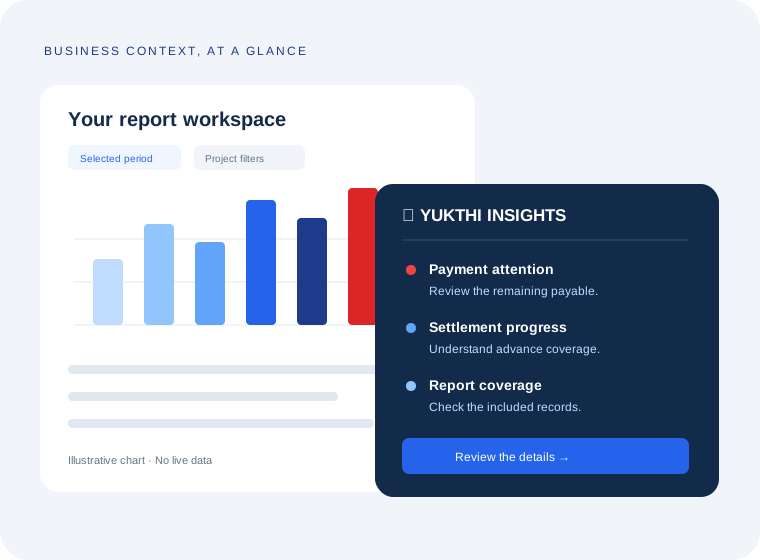
Illustrated report showing payment attention, settlement progress and coverage connected to a review action
Illustrative report insight view
FROM A REPORT TO A REVIEW

Numbers tell you what.
Context helps you decide what next.

Yukthi report insights place a concise explanation beside your report. Your team can review pending payments, see how advances contribute to settlement and understand which records are included.

  1. Choose the contextStart with the project, period and filters relevant to your review.
  2. Read the signalsReview the summary alongside the underlying values and records.
  3. Follow throughOpen the relevant workspace, validate the details and decide on the action.
ONE ASSISTANT. EVERYDAY BUSINESS QUESTIONS.

Built around the way your teams work.

Make Yukthi part of onboarding, everyday workflow guidance and your next operational review.

01

Finance & accounts

Find guidance for invoicing, outstanding receivables and accounting reports. Review payment and settlement context before following up.

“Where can I review outstanding invoices?”
02

Purchasing & inventory

Understand purchase-order steps, goods receipts and stock reports. Help users connect the purchasing workflow with warehouse activity.

“How do I create a purchase order?”
03

People & sales teams

Explore guidance for payroll, attendance, employee records and CRM workflows, with explanations that help users get started.

“What are the steps to process payroll?”
04

Project teams

Bring recommended actions, report summaries and project review questions into the same conversation as your delivery priorities.

“How can I prepare for our project review?”
GET TO KNOW YUKTHI

Helpful guidance.
Clear expectations.

Explore the experience with your own workflows during a demo.

What is Yukthi AI?

Yukthi is the assistant and insights experience within Artha AI ERP. It brings together Artha AI ERP workflow guidance, project recommendations and report summaries to help users understand their next step.

Can I try Yukthi on this page?

The examples above let you explore the style of guidance. They use prepared examples and do not access your Artha AI ERP workspace. Book a demo to see the experience available for your setup.

Does Yukthi make changes for me?

The experiences shown here focus on guidance, summaries and recommendations. Your team reviews the details and carries out changes through the appropriate Artha AI ERP workflow.

Will every answer use my live business data?

Yukthi includes guided assistant responses and report insights based on selected report data. Data-connected capabilities depend on the module and configuration; our team will walk you through the available experience during your demo.

ARTHA AI ERP × YUKTHI

Bring your questions.
Let’s explore the possibilities.

Tell us which workflows take the most effort. We’ll walk you through Yukthi and the Artha AI ERP features that fit your team.

Book a Yukthi demo